
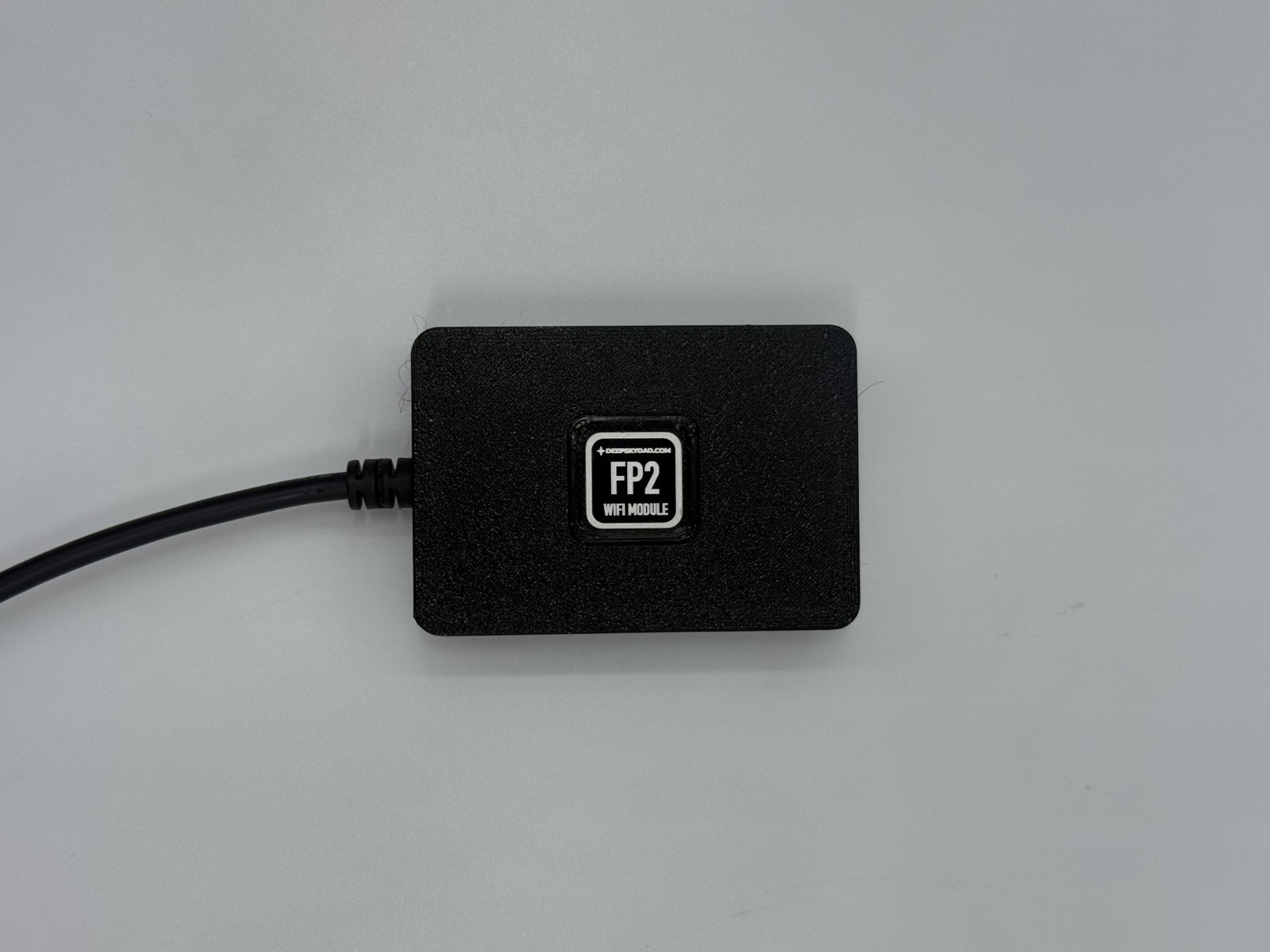
FP2 Wi-Fi Module for FP2 & OFP2 – ZWO AIR, ASIAIR & Alpaca
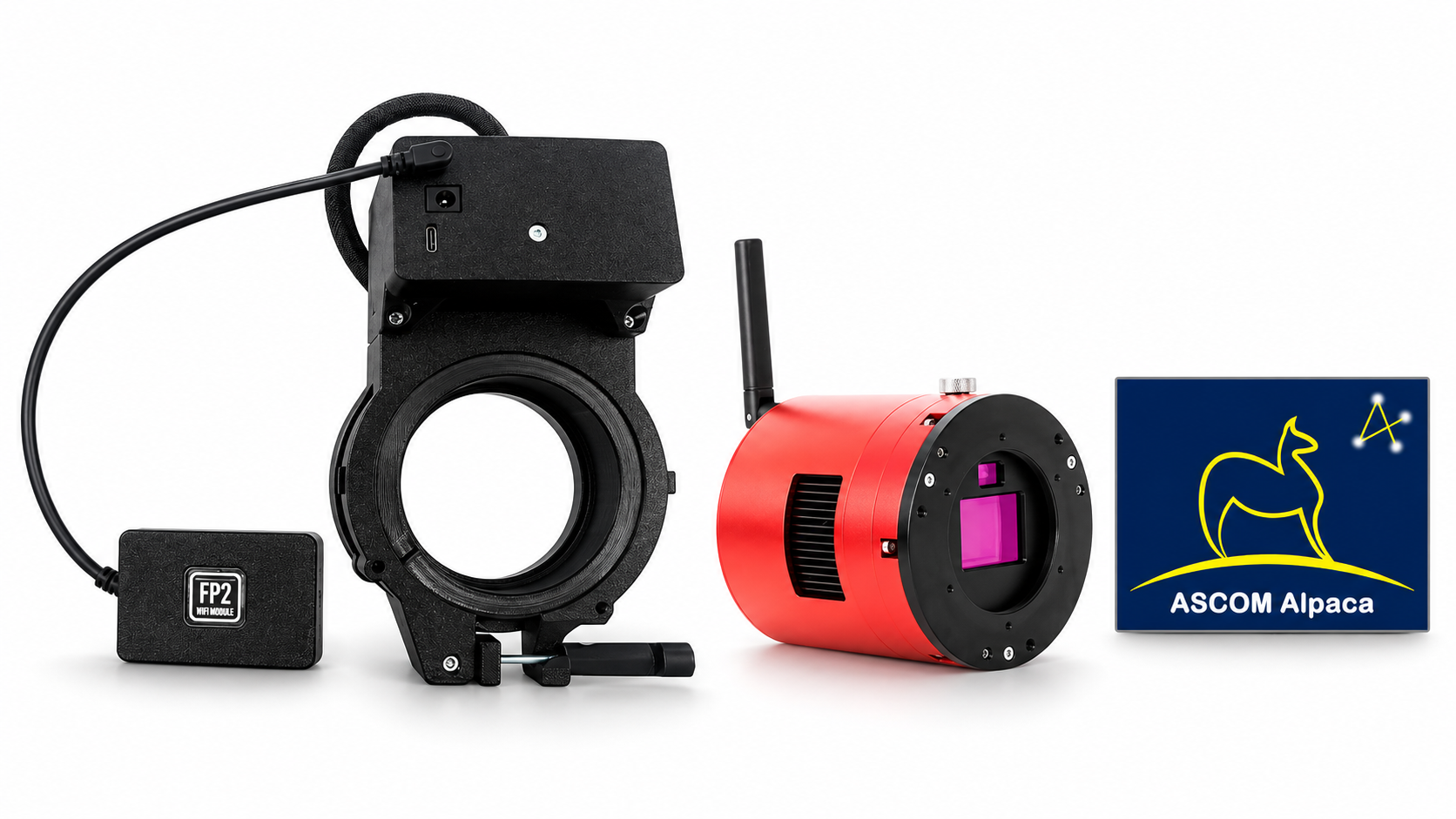
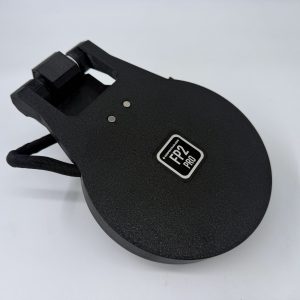
Add wireless control and flat-frame automation to your DeepSkyDad FP2 or OFP2 motorized flat panel with the FP2 Wi-Fi Module.
Key Features
- Wireless browser and app (under development) control for FP2 and OFP2
- ZWO AIR camera and ASIAIR Mini support
- ASIAIR Plus and ASIAIR Pro support
- Experimental ASIAIR Plan Mode automation for unattended flat-frame capture
- ASCOM Alpaca integration for software such as NINA
- No USB control cable or COM port configuration required when using Alpaca
- 2.4 GHz Wi-Fi connectivity
- Direct panel control including opening, closing, LED brightness and heater control on supported models
- Firmware updates through the web interface
Wireless Control
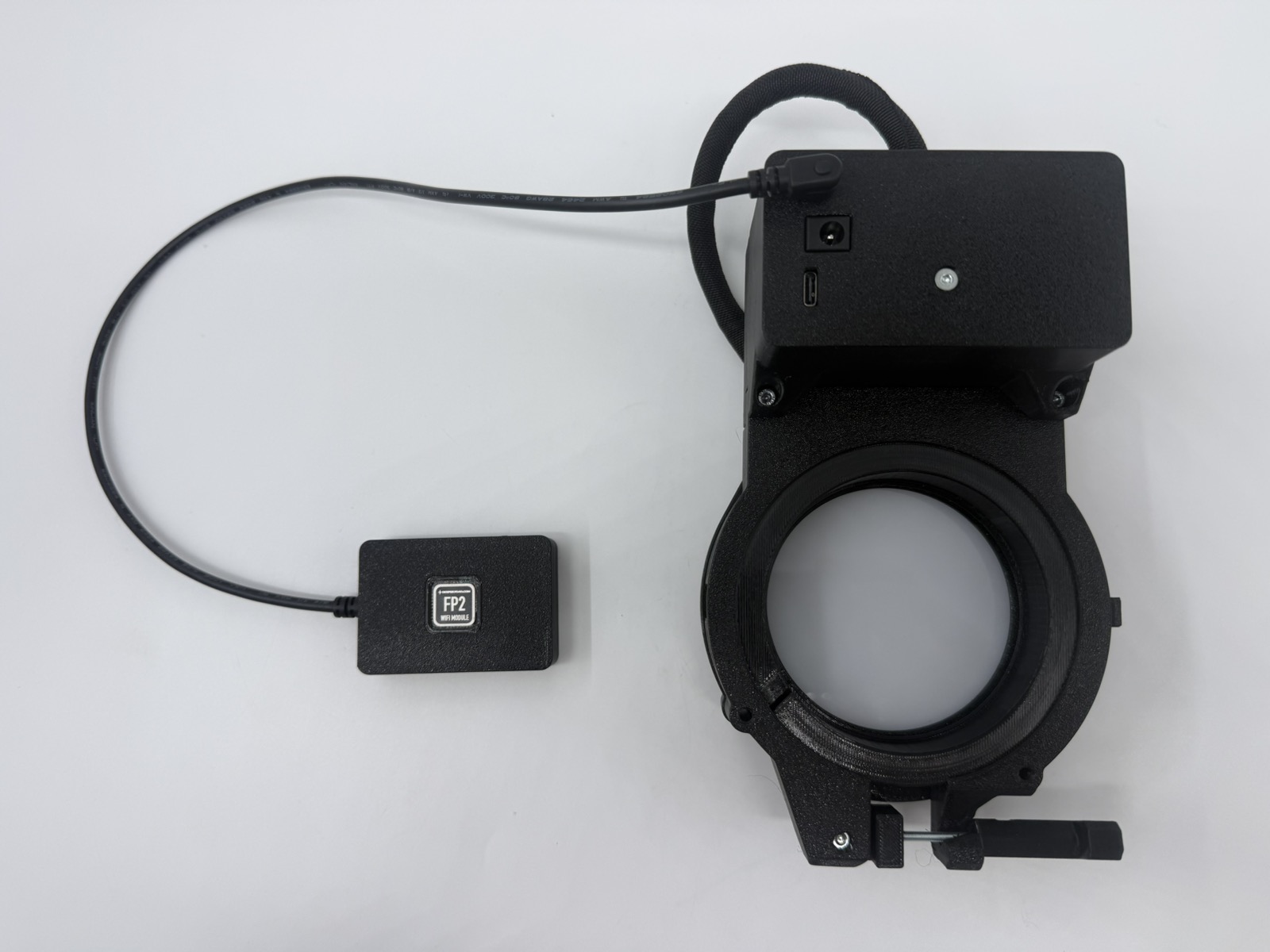
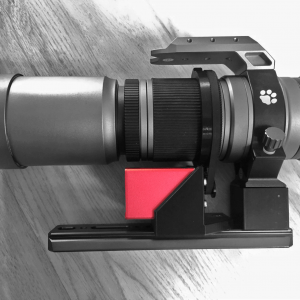
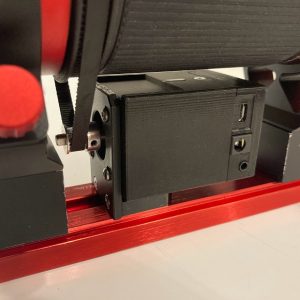
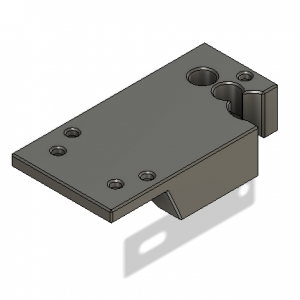
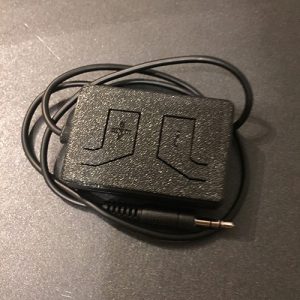
Connect the compact module to your FP2 or OFP2 accessory port and control the panel through the built-in web interface or dedicated app.
The module uses 2.4 GHz Wi-Fi and can join your home or observatory network, or connect directly to a ZWO AIR camera’s Wi-Fi access point.
The panel still requires its normal power supply; Wi-Fi replaces the control connection.
ASCOM Alpaca & NINA
Connect the module and your computer to the same network to control your panel from compatible astronomy software such as NINA via ASCOM Alpaca.
Use NINA’s flat-panel controls, automated sequences and Flats Wizard without a USB control connection or COM port configuration.
ZWO AIR Camera & ASIAIR Support
The module brings control to ZWO AIR cameras and ASIAIR Mini, which lack the controllable DC outputs required by our traditional ASIAIR control cable.
It also supports ASIAIR Plus and ASIAIR Pro.
Connect the module to the same network as your AIR camera or ASIAIR, then configure the experimental automation if you want to use unattended flat-frame capture.
Experimental ASIAIR Plan Mode Automation
Include flat frames in your ASIAIR Plan without manually operating the panel.
With automation enabled and configured, your FP2 or OFP2 can:
- Open for normal imaging with the LED off
- Close before flat-frame capture
- Turn the LED on at your saved brightness
- Turn the LED off and reopen when normal imaging resumes
- Close with the LED off when the whole Plan completes
Setup requirement: configure an initial delay of at least 10 seconds before the flat sequence, with enough time for your panel to close and the light to settle.
The module does not pause ASIAIR exposures, so verify the timing with your setup before unattended use.
ASIAIR integration is experimental, and compatibility may vary with ASIAIR software and firmware versions.
Compatibility
- DeepSkyDad FP2 motorized flat panels (FP2, OFP2, WFT2, FTL2, FT2)
- Not compatible with discontinued FP1 flat panels
Preporders are opened and first module will start shipping in November 2026.
Reviews
There are no reviews yet.